Slides with consistent designs and layouts look professional and do not distract from the content. You learn to structure presentations, design slides, and present them confidently.

55 min
Multimodal
Über 30 Sprachen
Teilnahmebescheinigung
Overloaded slides, inconsistent formatting, and illegible fonts are the norm in many presentations and distract from the content. With layouts, designs, and Designer suggestions, PowerPoint offers tools for professional results, but they are often unknown. Anyone who masters the basics creates better presentations faster.
00 Fundamentals and structure
01 Designing slides
02 Designs and design rules
03 Transitions and animations
04 Presenting and exporting
05 Summary
06 Knowledge check incl. certificate of completion
All employees who are new to Microsoft PowerPoint or want to refresh their basic skills systematically.
Leading organizations trust Bridgly
.png)

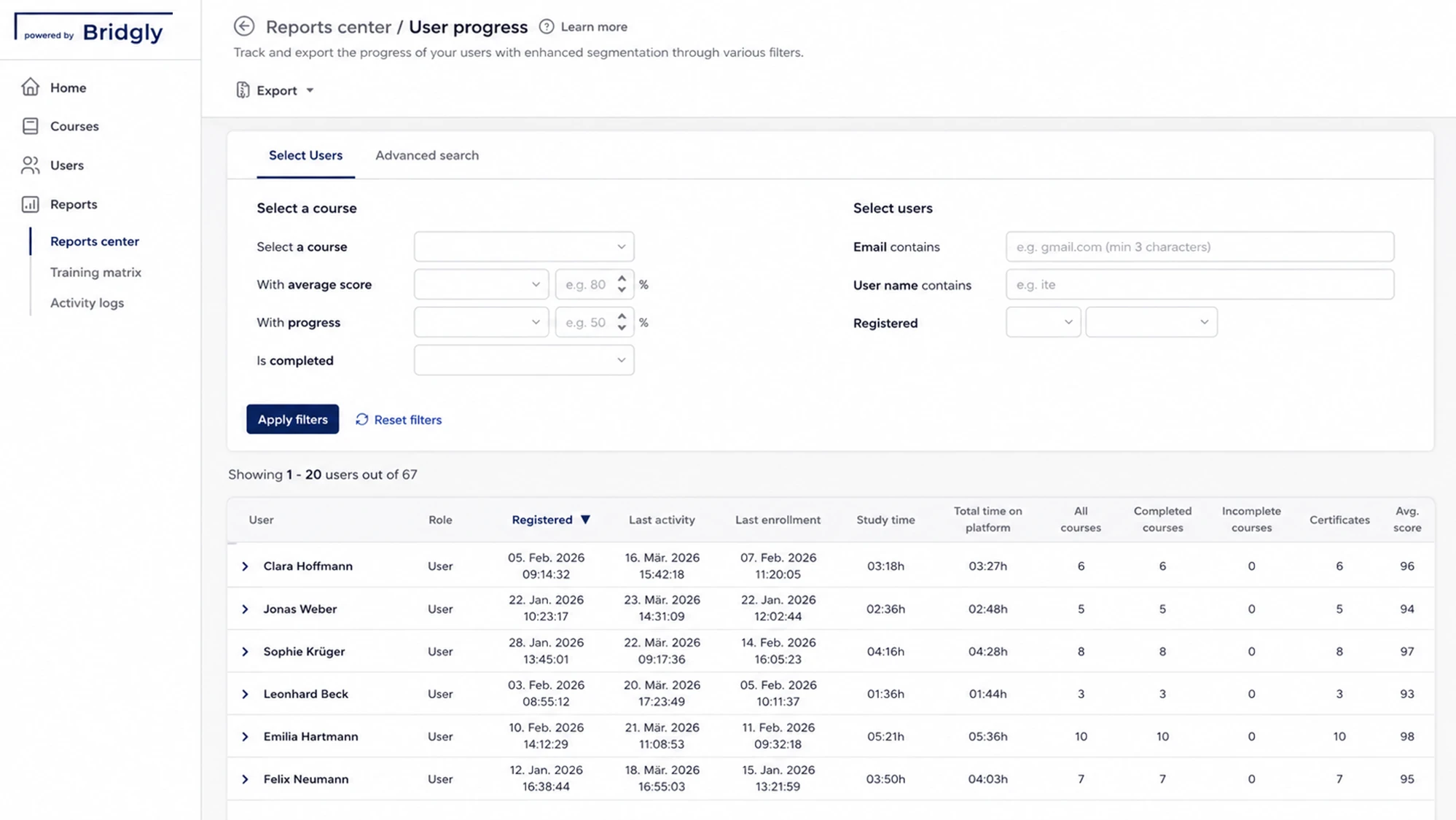
Our platform bundles all training management functions, from planning to reporting, in one place.
Training organization
Define who is trained on which content and when.
Training documentation
See at any time who completed which content and when.
Manage participants
CSV import, learning groups, and access rights in one place.
Automated
reminders
Deadlines and recurring training run automatically.
Here you will find the most important answers.
No – German employment law does not impose a training obligation for user skills in Word, Excel, Outlook, Teams, or SharePoint. If new software is introduced, Section 12 (1) sentence 3 of the Occupational Health and Safety Act (ArbSchG) requires instruction before work begins; however, this concerns safety and health protection, not the operation of a program. The same applies to Section 6 of the Workplace Ordinance (ArbStättV): under subsection 1 no. 4, instruction must be provided on workplace-specific measures, expressly including work with display screen equipment, under subsection 4 before work begins and at least annually thereafter. The subject matter is the display screen workstation, not the use of the Office programs. The factual reason for Office training is therefore not a fine, but the level of competence. According to the Eurostat survey on digital skills, 59.6% of people in Germany had at least basic digital skills in 2025, compared with an EU-27 average of 60.4%. Five areas are measured – information retrieval, communication and collaboration, digital content creation, safety, and problem solving – not the operation of individual programs.
Yes – at several points. Under Section 87 (1) no. 6 of the Works Constitution Act (BetrVG), the works council has a co-determination right in the introduction and use of technical equipment designed to monitor the behavior or performance of employees. Whether a specific function – such as presence status or reports in the Admin Center – meets this requirement must be examined on a case-by-case basis. For the training itself, Section 97 (2) BetrVG is decisive. If measures taken by the employer lead to a change in the activities of the employees concerned and their professional knowledge and skills are no longer sufficient, the works council has a co-determination right in the introduction of in-company vocational training measures. A switch from local storage to SharePoint, OneDrive, and Teams can trigger exactly this situation. In addition, there is a co-determination right under Section 98 (1) BetrVG in the implementation of in-company training measures, which under Section 98 (6) BetrVG applies accordingly to other training measures in the establishment. If no agreement is reached, the conciliation committee decides; its decision replaces the agreement (Section 97 (2), Section 98 (4) BetrVG).
Team files belong in SharePoint, personal files in OneDrive; Microsoft Teams is not a separate storage location but an interface to both. Microsoft describes it as follows: each team is connected to one or more SharePoint sites where its files are stored. All standard channels use the same SharePoint site with one folder per channel, while each private and each shared channel receives its own channel site. Files from one-on-one and group chats, on the other hand, are stored in the "Microsoft Teams Chat Files" folder in the OneDrive of the person who uploaded them and are only shared with the participants in the conversation. This leads to a rule of thumb: whatever a team needs permanently belongs in a channel and thus in SharePoint. Whatever concerns only one person or is still a draft stays in OneDrive. Anyone who shares work results in a chat ties them to a personal account instead of to the team. For permissions, the following applies: in standard channels, team owners and members are automatically added to the site's permission groups; in channel sites, permissions are inherited from the channel and cannot be managed separately in SharePoint.
An Excel beginner course covers the interface and working with workbooks, sheets, and cells, plus structured data entry and the formatting of numbers, text, dates, and tables, calculating with formulas and relative and absolute references, the basic functions SUM, AVERAGE, MIN, MAX, and COUNT, sorting and filtering, formatted tables, as well as simple charts and print preparation. An advanced course starts where data from multiple sources comes together: lookup functions such as XLOOKUP, INDEX, and MATCH, conditional functions such as IF, IFS, SUMIFS, and COUNTIFS, PivotTables and PivotCharts with slicers, data preparation with Power Query (importing, cleaning, merging, refreshing), data quality through data validation, conditional formatting, and protection, as well as dynamic array functions such as FILTER, SORT, and UNIQUE. The distinguishing feature is the way of working, not the length of use. Manual calculations, copied values instead of formulas, and unstructured tables cost time and lead to errors in reports and decisions – regardless of experience.
Routine tasks in Microsoft 365 can be automated without programming: filing attachments, sending notifications, obtaining approvals, and passing on data from forms. A flow consists of a trigger, actions, conditions, and connectors and is usually created from a template. Typical connections are to Outlook, Teams, SharePoint, OneDrive, and Forms. The limit is reached where flows have to connect multiple systems, transform data, or handle exceptions. Then variables, expressions, conditions, loops, and error handling are needed, as well as working with JSON, arrays, HTTP requests, and premium connectors. For applications without an interface, desktop flows can be considered, which can be combined with cloud flows. Anyone who wants to run flows on a permanent basis needs binding rules. Without knowledge of expressions, variables, error handling, and environments, flows are created that fail silently, process data inconsistently, or can no longer be maintained when staff change. Maintainability comes from solutions, environments, connection references, and documentation; permissions and data protection must be considered as early as the testing stage.
A Microsoft 365 training course at Bridgly takes 55 minutes per course. The MS Office 365 category comprises 21 courses: Word, Excel, PowerPoint, Outlook, Teams, SharePoint, Power BI, and Power Automate, each for beginners and advanced users, plus Access, Forms & Lists, Loop, OneDrive, and OneNote. Each course can be booked individually or as part of a package. The "MS Office" package bundles 11 courses for everyday office work – Excel, Outlook, PowerPoint, Teams, and Word, each at two levels, plus OneDrive – and corresponds to around 10 hours of learning time. The "MS Office Extended" package includes all 21 courses and thus just over 19 hours. Because each course stands on its own, the scope can be tailored to each role. The courses have a multimodal structure, are available in more than 30 languages, and conclude with a learning assessment that documents completion. Companies with their own learning management system can export the content as SCORM 1.2 or SCORM 2004; alternatively, the Bridgly learning environment is available, optionally with single sign-on via Microsoft Entra ID, Okta, Google Workspace, or a SAML 2.0-compliant identity provider.
Training and professional development for companies and public-sector clients – with audit-proof documentation and a practical focus.
Get in touch nowNote: Some text, images, and videos on this website were generated using artificial intelligence.

All content is for informational purposes and has been carefully reviewed from a journalistic perspective, but does not claim to be exhaustive or legally binding.