
Properly used chats, teams, and channels as well as managed availability make collaboration in Microsoft Teams clearer. You learn to use channels, schedule meetings, and edit files together.

55 min
Multimodal
Über 30 Sprachen
Teilnahmebescheinigung
Teams is the central workplace for communication and collaboration, but is often used only as a chat and meeting tool. Disorganized channels, files in the wrong place, and a flood of notifications lead to stress instead of productivity. Those who understand the structure and features work faster and more clearly as a team.
00 Fundamentals and structure
01 Chat, teams, and channels
02 Running meetings
03 Files and collaboration
04 Notifications, apps, and rules
05 Summary
06 Knowledge check incl. certificate of completion
All employees who are starting to use Microsoft Teams or want to refresh their basics systematically.
Leading organizations trust Bridgly


.png)
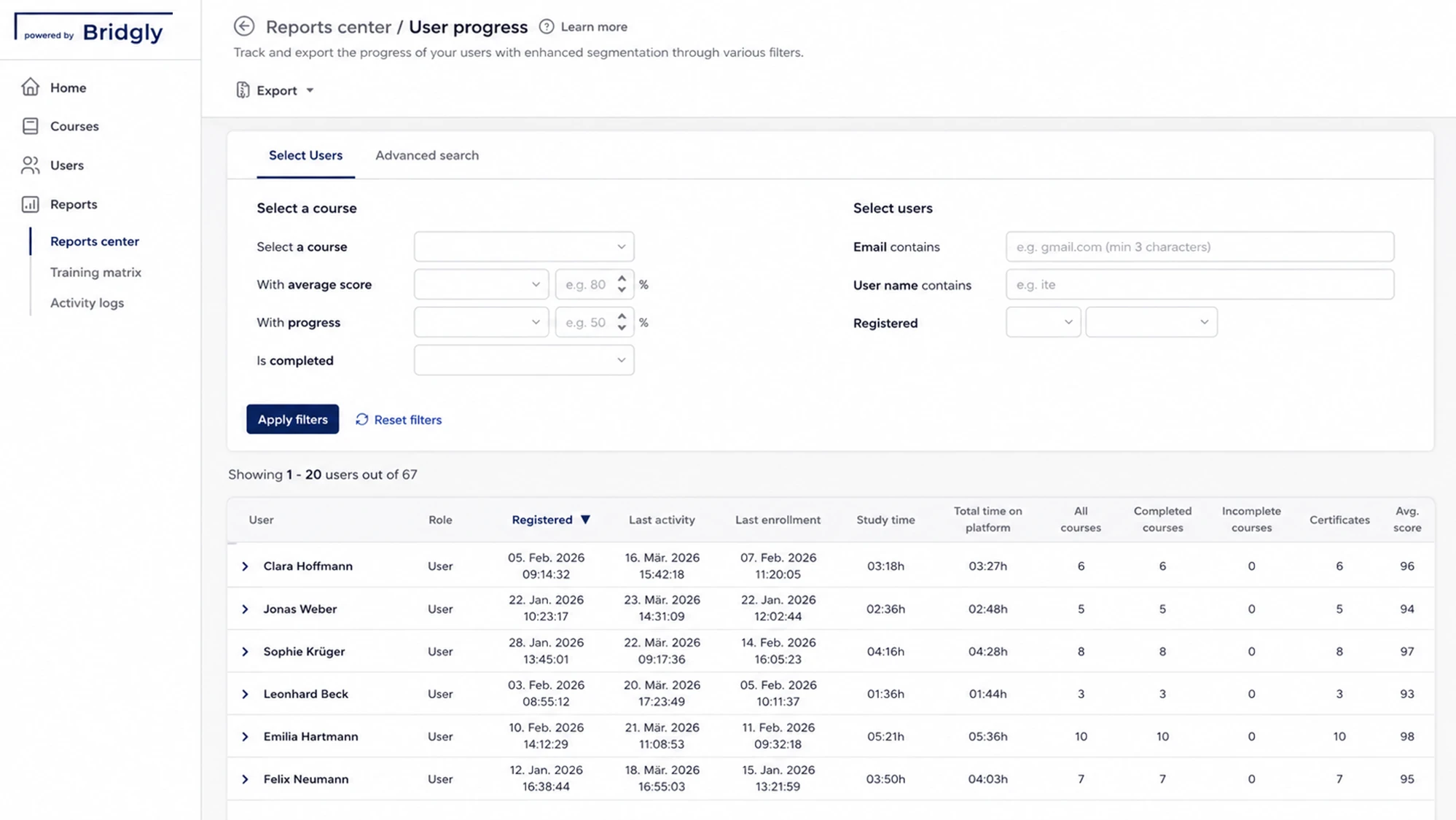
Our platform bundles all training management functions, from planning to reporting, in one place.
Training organization
Define who is trained on which content and when.
Training documentation
See at any time who completed which content and when.
Manage participants
CSV import, learning groups, and access rights in one place.
Automated
reminders
Deadlines and recurring training run automatically.
Here you will find the most important answers.
Training and professional development for companies and public-sector clients – with audit-proof documentation and a practical focus.
Get in touch now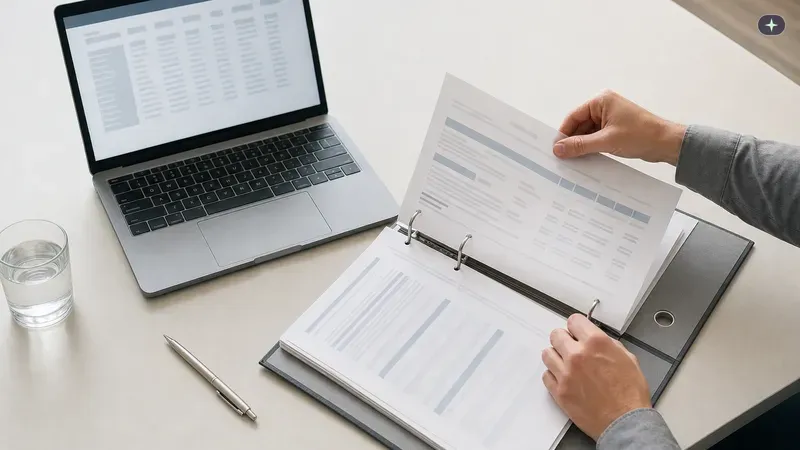
Bridgly is the European training partner for audit-proof, tailored, and automated training and professional development.
 We support the IHK initiative "Pack ma's digital" to help businesses in Upper Bavaria with digitalisation and secure the future of the region.
Note: Some text, images, and videos on this website were generated using artificial intelligence.
All content is for informational purposes and has been carefully reviewed from a journalistic perspective, but does not claim to be exhaustive or legally binding.