
Training and professional development for your workforce, organized by topic. Choose a topic or a package, or search directly for a training course.

Misunderstandings arise, for example, when a request is heard as an order or silence as agreement. You learn to understand messages on four levels and to shape conversations consciously.

Microsoft 365 Copilot works directly in Word, Excel, PowerPoint, Outlook, and Teams and accesses documents, emails, and meetings. You learn to design multi-step prompts and to build your own agents with Copilot Studio.

With projects, file analysis, artifacts, and integrations, entire work processes can be mapped in Claude. You learn to analyze documents and to integrate Claude securely into the team's workflows.

ChatGPT offers far more than text generation, such as data analysis with code execution, image processing, and research with sources. You learn to build your own GPTs and to check results for quality and data protection.

Google Gemini can be used productively and safely in day-to-day work in Gmail, Docs, Sheets, and Meet. You learn the basics of prompting and the rules for data protection-compliant use.

Advanced users get significantly more out of Gemini, for example analyses across many files and research with source citations. You learn to create your own Gems and to integrate Gemini securely into team workflows.

Artificial intelligence creates new forms of attack and new risks for employees and companies. You learn to recognize AI-supported phishing, deepfakes, and prompt injection.

Fabricated sources and biased assessments from AI assistants are often adopted in day-to-day work because they sound plausible. You learn to evaluate AI results critically instead of trusting them blindly.

Using AI tools creates new data protection risks that can be recognized and avoided in everyday work. You learn which data you are allowed to enter and what the GDPR and the EU AI Act require.
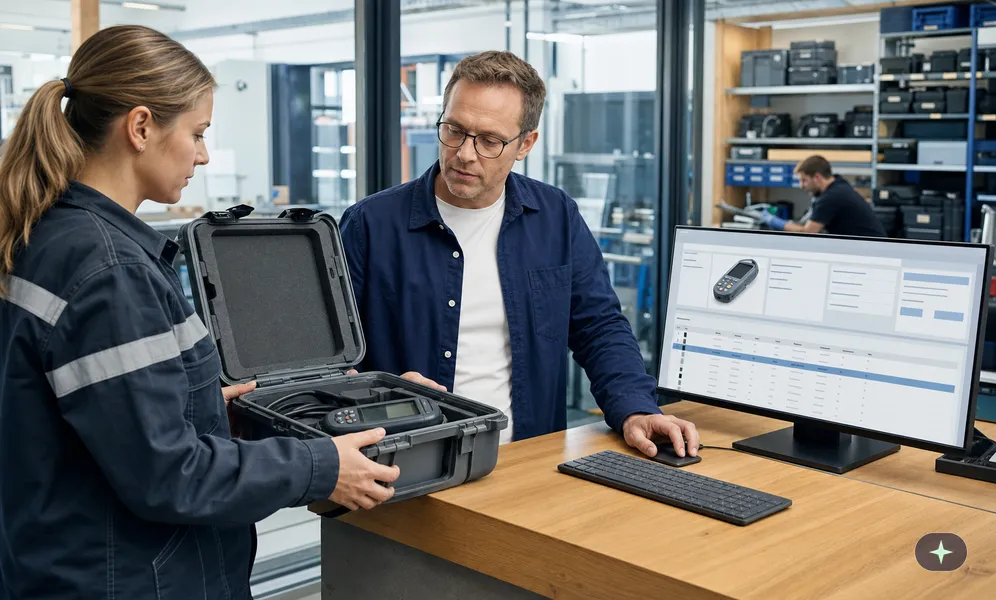
In Access, you create your own relational databases, whose contents are entered via forms and output in reports. You learn to design tables and relationships and to evaluate data with queries.

Anyone who navigates the Excel interface confidently and enters data in a structured way saves time and avoids errors in reports. You learn the basics, from tables and formulas to filters and simple charts.

Anyone who regularly combines data from multiple sources and condenses large lists quickly reaches the limits of basic functions. You learn to work with lookup functions, PivotTables, and Power Query.

Forms and Lists are included in Microsoft 365 and handle polls, sign-up lists, and task management without additional software. You learn to create surveys with Forms and to manage information in the team with Lists.

OneDrive keeps files available on all devices and enables secure storage, synchronization, and sharing. You learn to distinguish between OneDrive and SharePoint and to set sharing permissions correctly.

OneNote brings together in one place notes that are otherwise scattered across scraps of paper, emails to yourself, and text files. You learn to set up notebooks, search content, and use notes in the team.

With the basics of Microsoft Outlook, you can write emails efficiently and schedule meetings in the calendar. You learn the basics for keeping track of emails, appointments, contacts, and tasks.

With advanced features, Outlook becomes the hub of self-organization, where the inbox and tasks follow a system. You learn to automate emails with rules and Quick Steps and to share calendars.

Interactive reports in Power BI combine data from Excel, CSV, and databases with visualizations, filters, and slicers. You learn to prepare data, build a simple data model, and share reports.

The advanced capabilities of Microsoft Power BI extend to the optimization, security, and distribution of reports. You learn to design complex data models and to calculate sophisticated DAX measures.

Slides with consistent designs and layouts look professional and do not distract from the content. You learn to structure presentations, design slides, and present them confidently.

Presentations for customers, senior management, or sales need more than basic functions, such as templates in the corporate design. You learn to create slide masters, visualize data, and use Morph in a targeted way.

SharePoint brings together team sites, Teams, and OneDrive, creating a common foundation for file storage. You learn to organize files in libraries, share them, and understand versions.

SharePoint sites combine processes via Power Automate and lists with attractively designed pages built from web parts. You learn to build sites, manage permissions, and use content types.

Properly used chats, teams, and channels as well as managed availability make collaboration in Microsoft Teams clearer. You learn to use channels, schedule meetings, and edit files together.

A professionally managed Teams environment integrates apps, Planner, and forms and stays organized thanks to governance. You learn to structure teams, organize webinars, and automate processes.

Word is usually operated like a typewriter, with manual formatting and spaces for alignment. You learn to use styles, insert tables and images, and share documents.
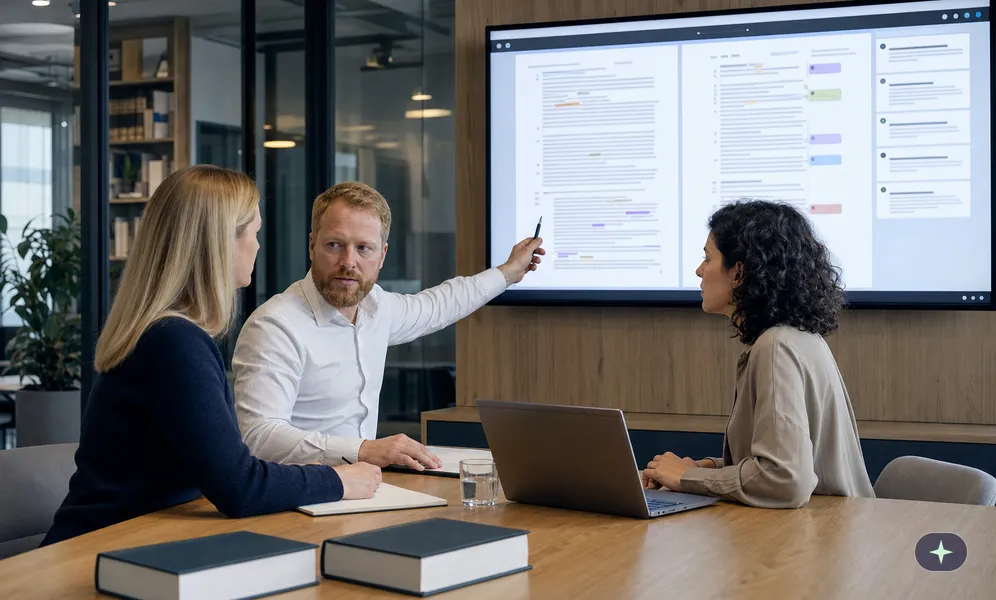
Reports, contracts, manuals, and proposals need features that go beyond the basic functions of Word. You learn to create tables of contents, indexes, and mail merges and to edit documents as a team.
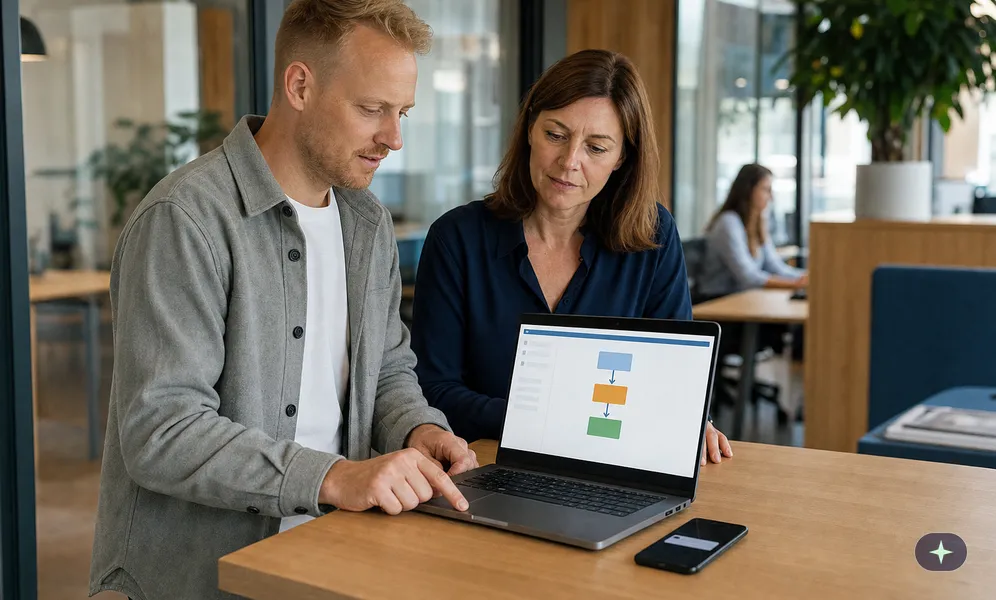
Flows made up of triggers, actions, conditions, and connectors automate recurring tasks in Outlook, Teams, SharePoint, and Forms. You learn to create flows from templates, test them, and monitor them.
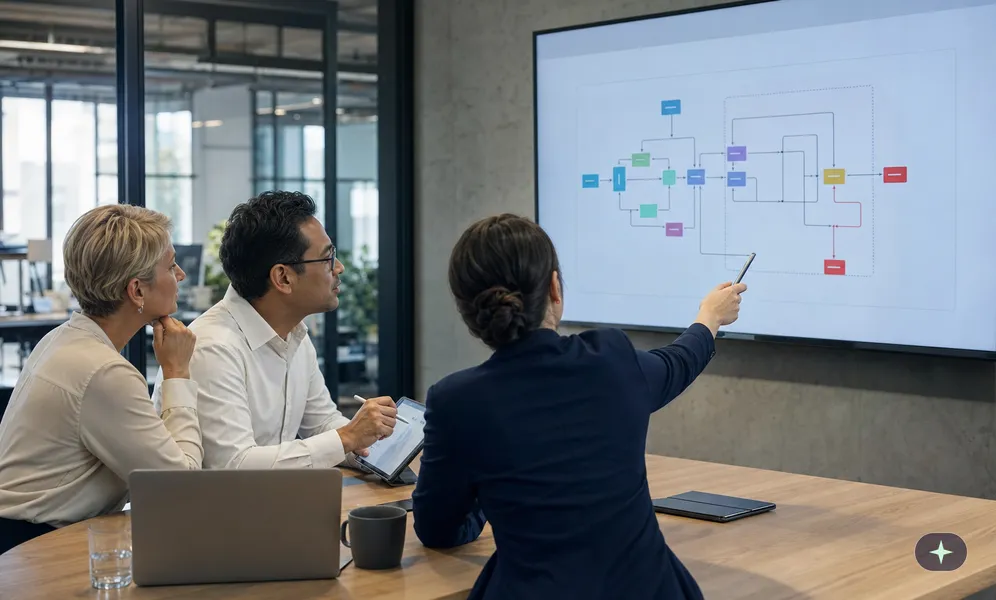
Power Automate automates complex business processes with expressions, variables, and loops as well as data from HTTP requests and JSON. You learn to use error handling and desktop flows and to design flows for maintainability.

Microsoft Loop enables flexible teamwork in which tasks and content are maintained together instead of multiple times. You learn to use Loop components in Teams and Outlook and to build workspaces.

An occupational health and safety management system based on ISO 45001 depends on the participation of all employees. You learn to identify hazards systematically and to contribute to improvement.

A quality management system according to ISO 9001 thrives on everyone contributing to quality in everyday work. You learn about the principles, the process approach, and how to deal with errors and improvements.

Supervisory authorities, courts, and business partners use ISO 37301 as a benchmark for an appropriate compliance organization. You learn to recognize risks, apply policies, and report suspected cases.

Under the Market Abuse Regulation (MAR), trading and disclosure prohibitions apply to everyone who has access to inside information. You learn how insider lists, closed periods, and reporting obligations work in practice.

The operation of an internal reporting office must be entrusted to independent and competent persons. You learn to process reports on time and confidentially.

Safety when working alone relies on monitoring and emergency call systems and on an organization that ensures help arrives quickly in an emergency. Your employees learn to distinguish dangerous lone working from permissible lone working.

When working on facade scaffolding, approval and labeling, load classes, and conduct in wind and weather are what matter. You learn to inspect scaffolding before use and to use access routes correctly.

Working with compressed air systems, pneumatic tools, and hoses poses hazards to the body and hearing. You learn to handle couplings and hoses correctly and never to blow compressed air at people.

In occupational health and safety, managers are responsible for their area, from the risk assessment to instruction and monitoring. You learn to fulfill this responsibility and to avoid liability risks.

When driving, digging, and lifting loads, earthmoving machinery such as excavators and wheel loaders must be operated safely. You learn to inspect the machine, observe danger zones, and identify utility lines.

Crane accidents involving indoor overhead cranes, gantry cranes, and bridge cranes are often fatal, for example when loads fall after being slung incorrectly. You learn to inspect the crane, sling loads correctly, and keep danger zones clear.

Water-mixed and non-water-miscible cooling lubricants pose hazards to the skin and respiratory tract. You learn to use skin protection and extraction correctly.

Tipping over due to inadequate outrigger support and contact with overhead power lines are among the typical serious accidents involving truck-mounted loader cranes. You learn to inspect the crane and outriggers before use and to sling loads correctly.

Procurement and purchasing processes in public administration are subject to strict rules on competition, equal treatment, and transparency. You learn to distinguish between types of award procedures and to recognize conflicts of interest.

How an authority handles complaints from citizens shapes trust in public administration. You learn to communicate in a de-escalating way and to observe responsibilities and deadlines.

Citizens can defend themselves against administrative action with objections, lawsuits, and interim relief. You learn to handle deadlines correctly and to issue administrative acts in a legally compliant way.
Bridgly is the European training partner for audit-proof, tailored, and automated training and professional development.
 We support the IHK initiative "Pack ma's digital" to help businesses in Upper Bavaria with digitalisation and secure the future of the region.
Note: Some text, images, and videos on this website were generated using artificial intelligence.
All content is for informational purposes and has been carefully reviewed from a journalistic perspective, but does not claim to be exhaustive or legally binding.